01 · Idea and task
When you need your apartment cleaned, something fixed or junk hauled away, you usually end up hunting for someone in classified ads and group chats — slow, and with no guarantees. The idea behind U-Service is to put a clear storefront of home services into one app: pick a category, see specific services with descriptions, submit a request — and the app helps match you with a specialist in your neighborhood.
The task: build a simple, polished app for iOS and Android with services split into categories, cards with descriptions, a request form, sign-in and a user profile. The key requirement was a minimum of steps: getting from “I need a cleaning” to a submitted request should take a couple of taps.


02 · How the app works
Sign-in
The app opens with a short welcome screen explaining that it helps you find a specialist nearby. You can sign in with Google in one tap or by phone number with an SMS code — no long registration forms.
Categories and requests
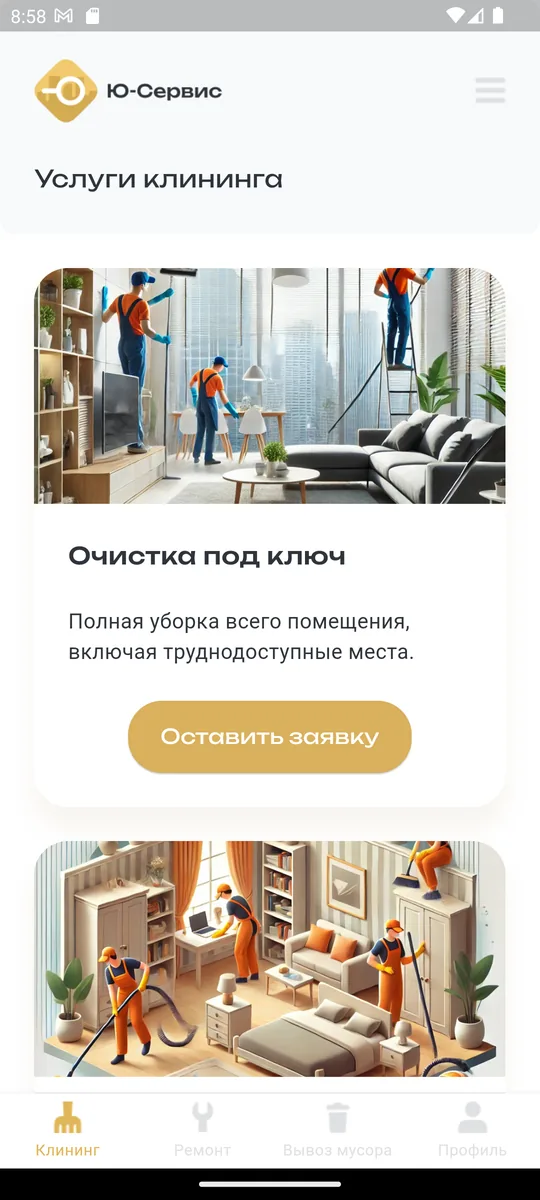
Services are split into categories — cleaning, repairs, junk removal — and you switch between them with tabs at the bottom. Inside each category are cards for specific services with a photo and description, for example “Full-service cleaning — a complete clean of the entire space, including hard-to-reach areas.” The “Submit a request” button sends the request.
Profile
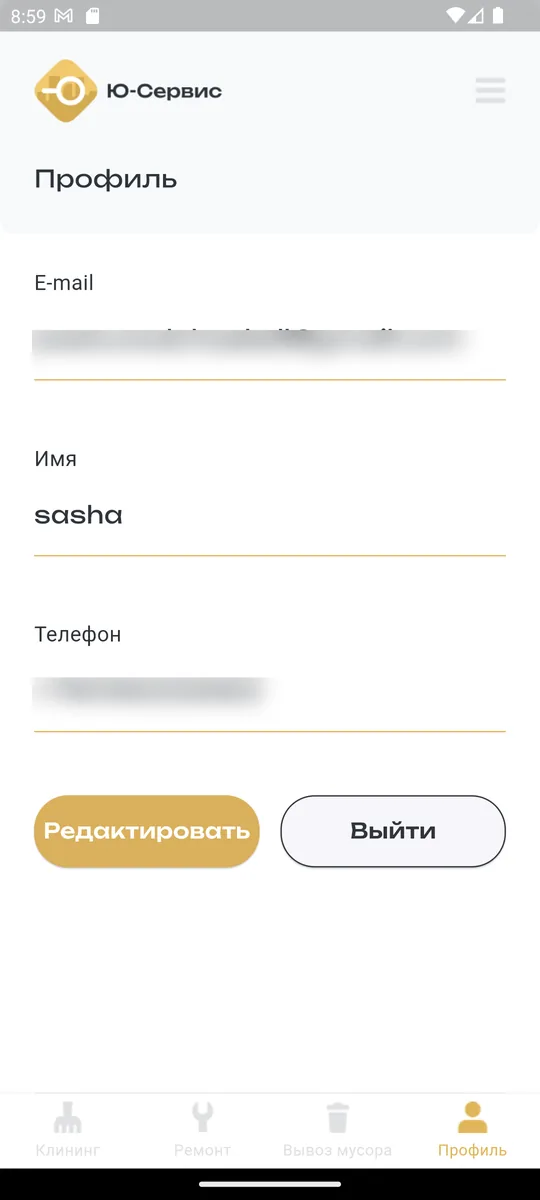
The profile holds the user's details (name, contact info), which are filled into requests automatically, with options to edit them or sign out. Minimal fields, everything at hand.
03 · Result
The result is a compact storefront app for home services: a welcome screen and quick sign-in, services by category with cards and descriptions, a request form and a profile with contact details. It's built in Flutter for iOS and Android from a single codebase, with a clean, consistent interface and clear navigation.
04 · What's next
Natural next steps are request statuses and history, choosing a time and address, ratings and reviews for service providers, a broader catalog of categories and services, and notifications as a request progresses. The app's simple, consistent structure makes it possible to add functionality step by step without reworking the interface.