01 · Idea and goal
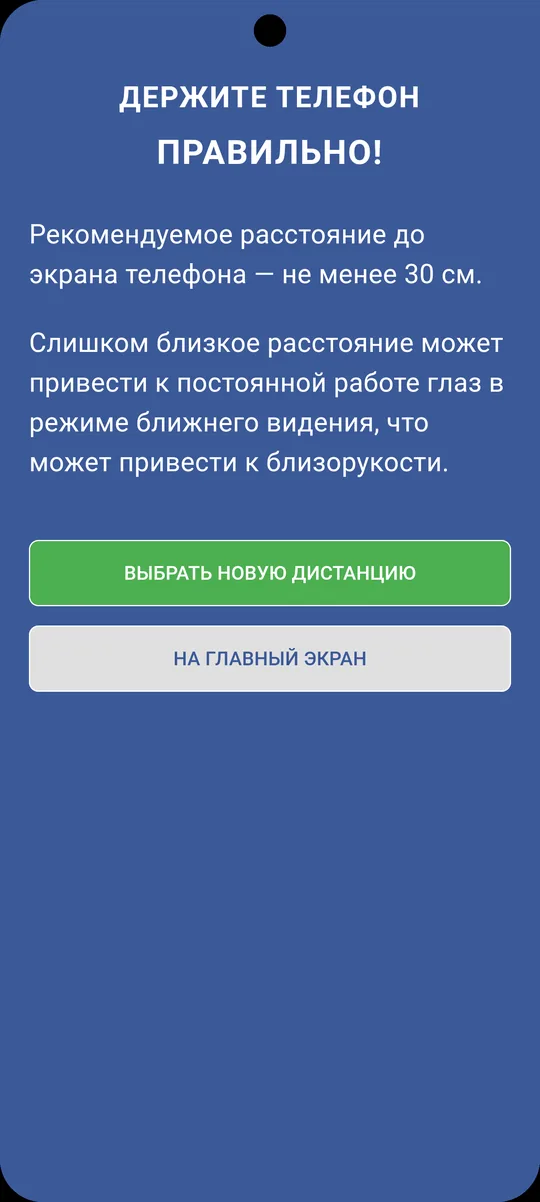
The closer a phone is to your eyes, the harder they work in near-focus mode — and that's one of the factors behind myopia, especially in children and teenagers. Eye doctors give simple advice: keep the screen at least 30 cm (about 12 inches) away. In real life, nobody remembers to. The idea was to hand that job to the device itself: let it notice when the phone is too close and gently remind you to move it away.
The goal: build an app that runs in the background, measures the distance from your face to the screen with the front camera, compares it to a safe threshold and, at the right moment, shows a clear warning — on top of whatever app you're using. Privacy was critical: no recording or uploading of images, with all recognition done locally on the device.
02 · What was hard
- Measuring distance with an ordinary camera. A phone has no rangefinder — just the image from the front camera. Distance is estimated from Google ML Kit's face detection results (the size and geometry of the face in the frame), calibrated for the specific device and user. This runs on a live stream of frames in real time, not as a one-off measurement.
- A warning over any app. It's only useful if the indicator is visible while someone is scrolling social media or reading — not just inside the app itself. So the warning is drawn through a system overlay on top of other apps, which needs its own permission, background operation and auto-start so monitoring doesn't switch itself off.
- Background mode, battery and auto-start. A camera and recognition running in the background drain the battery and run into strict OS limits. We had to handle permissions, battery optimization and auto-start carefully, track the camera's state and recover it, so the service stays stable and predictable.
- Privacy as a requirement, not an option. The camera is looking at your face all the time — so it's essential that the image is never stored or transmitted anywhere. ML Kit runs locally, and the only thing that leaves it is a "too close / OK" state. That removes the main fear people have about an app that's "always watching."
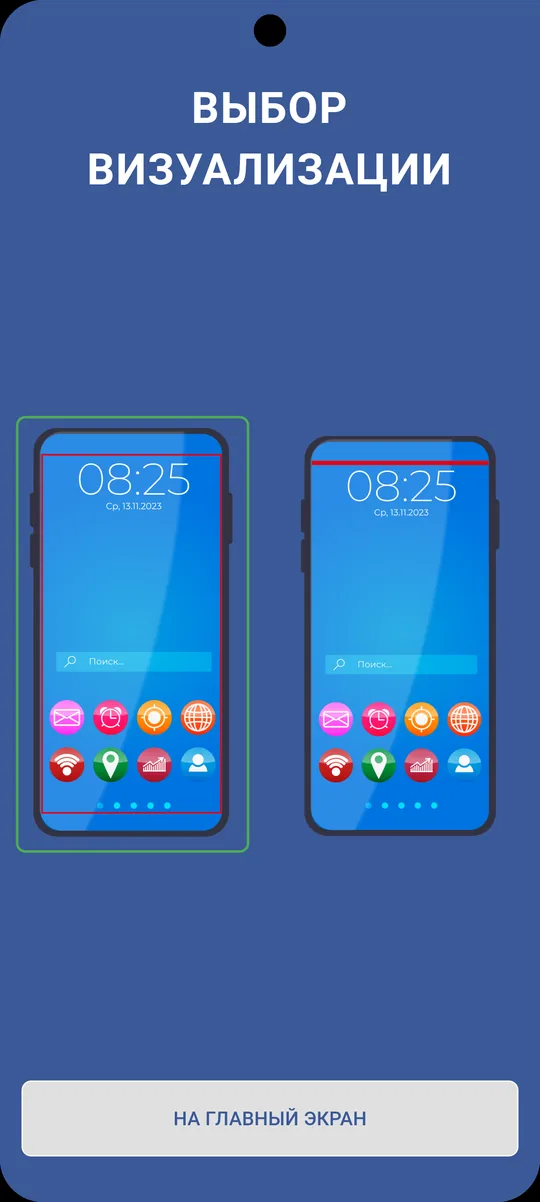
- Calibration and a flexible threshold. The safe distance differs from person to person, so you can pick a standard value or set your own. You can also choose how the warning looks — a border around the screen or a bar at the top — so it's noticeable without being annoying.
The core engineering challenge: estimate the distance to the screen with an ordinary front camera and warn the user over any app — without storing or sending a single frame.
03 · How it works
The camera and distance calculation
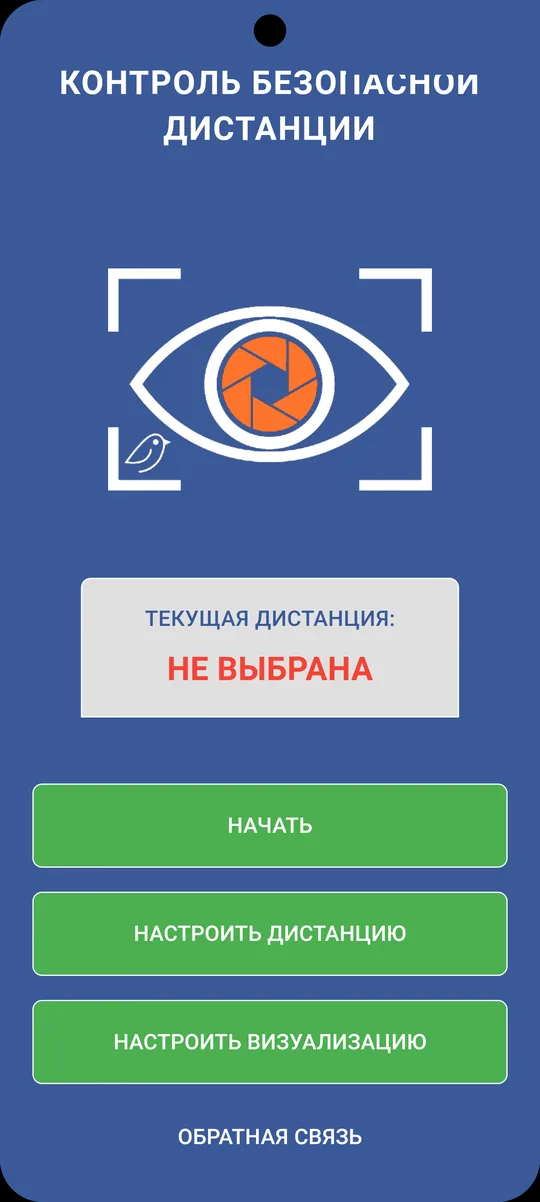
Once permissions are granted, the app starts background monitoring: the front camera feeds frames to Google ML Kit, which finds the face, and the app uses the face geometry to estimate the distance to the screen and compare it with the chosen threshold. The home screen shows the current state and gives quick access to starting monitoring and to settings.
Safe threshold and warning
The baseline recommendation is at least 30 cm; you can tune the threshold or pick one of the standard values. When the phone comes closer than the threshold, a warning appears with a prompt to move the device away; the chosen visualization makes sure it gets noticed.
On-screen visualization
The warning appears over any app through a system overlay. You can choose the indicator style — a border around the edge of the screen or a bar at the top — so the signal is visible in any situation without getting in the way of using the phone.
04 · Result
The result is a working prototype of an eye health utility: background distance monitoring with the camera and ML Kit, an adjustable safe threshold, a system indicator shown over any app, a choice of warning styles and local notifications. The app is built with Flutter and runs on iOS and Android.
The key difference from similar utilities is that all processing happens on the device: the camera records and transmits nothing, and the only thing that leaves it is a "too close / OK" state. Firebase handles service functions and notifications. This is an in-house R&D product where the studio worked out camera handling, on-device face detection, system overlays and background services.
05 · What's next
Next steps: more precise distance calibration per device and user, statistics (how long the screen was too close), a kids' mode and parental controls, flexible reminder scenarios, and polishing for release in the app stores. The architecture — a background service plus an overlay — lets us add new scenarios without touching the core.
What we built for this product — camera handling, Google ML Kit, system overlays and background services — is reused in client projects that need on-device computer vision or need to work on top of other apps.